


Learn how to use thumb-key. It requires relearning phone-typing, but once done, you won’t want any other kind of keyboard in your touchscreen.
I just want to note for anyone who cares and may not have initially noticed, thumb key is developed by Dessalines
The way you say that it could either mean this is something good or something bad. Just searching for the name just brings up the historical figure (which I guess is not the developer). Would you care to explain?
Dessalines is the is one of the lead developers of Lemmy and well known for suppressing speech on his instance in order to push his tankie views
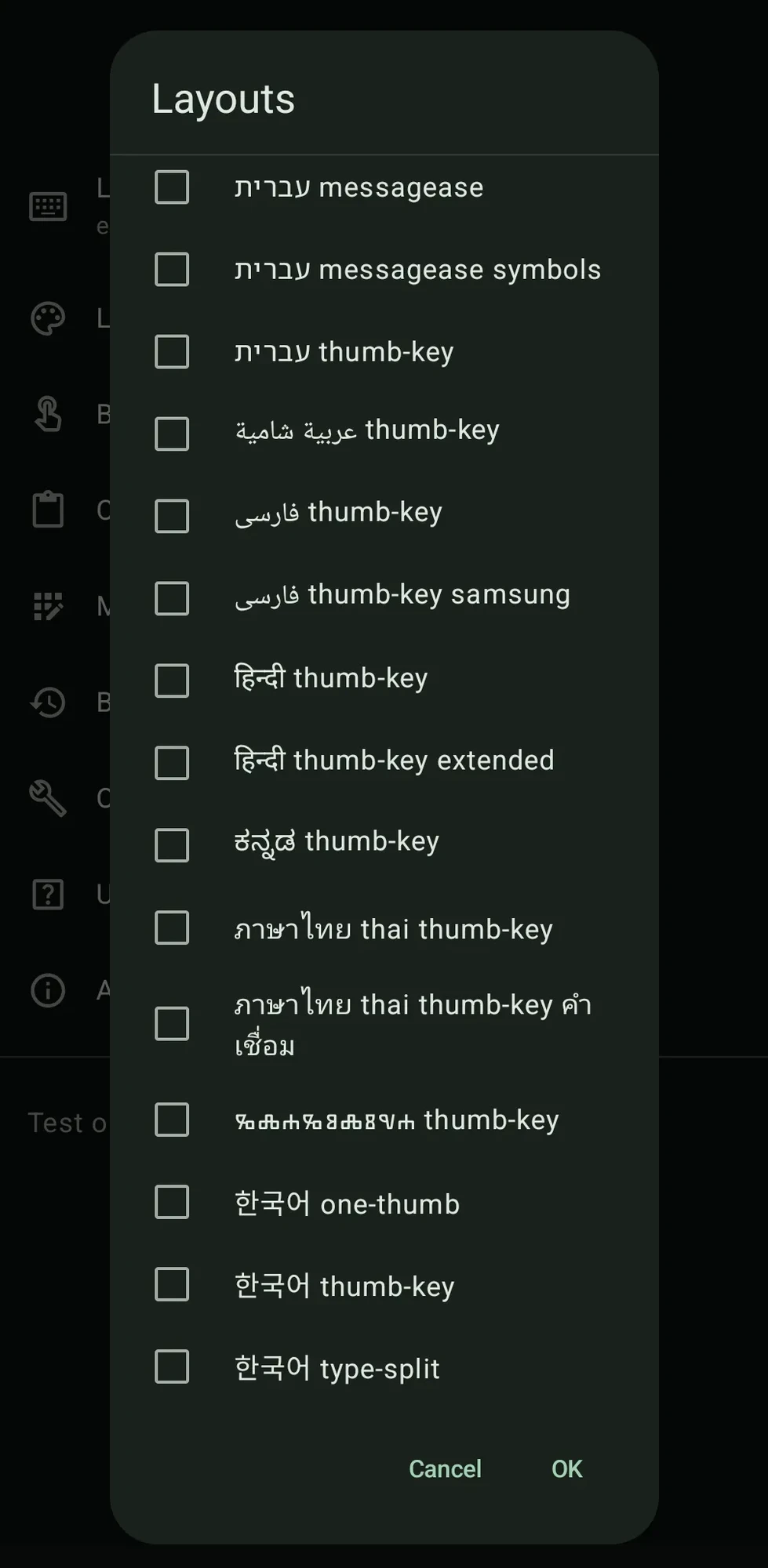
How is multilingual support on it?
It’s pretty extensive. This screenshot is far from the full list:
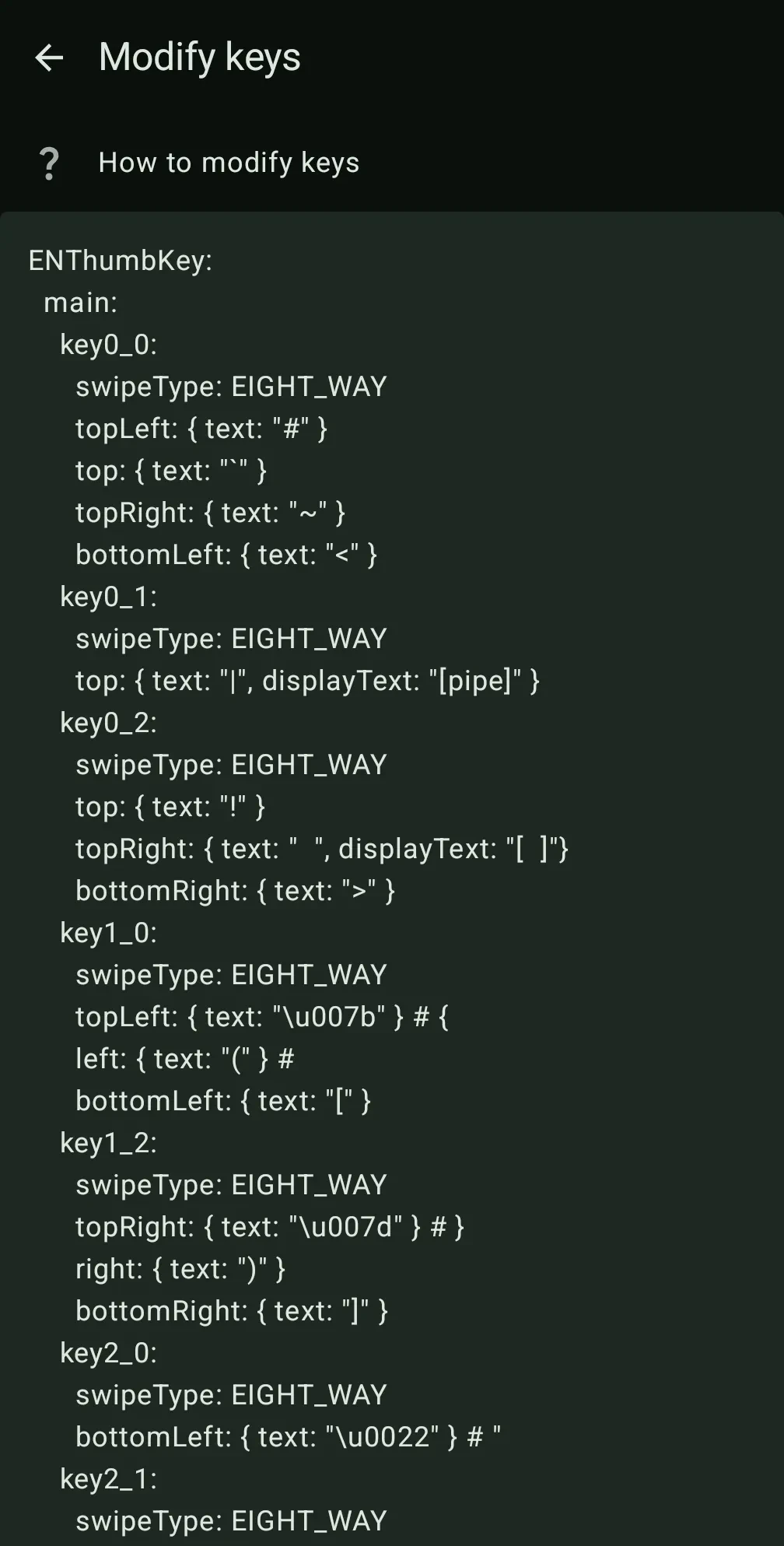
Furthermore, you can manually set whatever characters you want to override whatever keys you want by using custom YAML:
Thanks for the suggestion! Looks cool.
It took me a while to master it. At first I was typing really slowly because I had to learn where each letter was. Now that I’ve developed muscle-memory, I type faster than with a qwerty or swiping and single-handed.
Though I have been getting used to the new placement for each letter with Thumbkey, the fact that it involves a bunch of little swipe gestures is always going to take more time/effort than just tapping away at a traditional onscreen keyboard regardless of muscle memory. I can’t imagine this ever being a superior experience.
In the end, you move your fingers in a smaller space so, when typing fast enough, it gets better than qwerty just because your fingers move less. If you have big thumbs it’s better too because keys are bigger. I make less typos in this keyboard than in qwerty on touchscreen and I can type with a single hand fast enough, something I can’t do with qwerty. But to each their own.
I just need to see if I can add symbols to the unused corners like a question mark and stuff.
You can! You need to use YAML but you can edit your keyboard as you wish. I use italian layout (each language uses a different one depending on what are their most used keys) and added some keys for spanish letters (like ñ or ü)
That’s really cool. Should be easy enough. Thanks again!


